+1 (917) 565-8527

 info@indeedseo.com

Dental businesses are highly localized, making Google Business Profile Optimization a key service for local brand visibility. It is one of the fastest ways to rank in Google’s Local 3-Pack and attract local patients searching for a “dentist near me.” However, simply creating a profile isn’t enough. To improve your dental clinic’s local rankings, you need to optimize every section of your profile and keep the information up to date and actively managed.
Follow this guide to learn how to fully optimize your Google Business Profile to improve the online performance and credibility of your dental clinic.
How to Claim and Verify Your Dental Clinic’s Google Business Profile?
Before you can optimize your Google Business Profile, you need to claim ownership and complete verification. This confirms that you are authorized to manage the business listing. If you are looking for simple steps to claim your Google Business Profile, here is how you can proceed.
Step 1 – Claim Your Listing
The first step is to check whether your dental clinic already has a Google Business Profile. In many cases, Google automatically creates listings using publicly available business information.
Go to the Source
Visit the official Google Business Profile platform and sign in with the Google account you want to use to manage your clinic. Make sure to use the email your business is linked with. It helps to keep the access centralized for easy sharing and simple logins.
Search for Your Dental Clinic
Enter your clinic’s name in the search bar. If your business already has a profile, it will appear. If there is no listing, you need to create a new profile to optimize your business. If your clinic already appears, click “Claim this business” and follow with an ownership request.
Create Your Listing
If your clinic isn’t listed, create a new profile by entering basic business details such as:
- Business name
- Business category
- Clinic address
- Contact number
- Website
Make sure all information matches the accurate business details on every business platform you use. Ensure you verify your details with websites and directories to keep data consistent. It helps to improve your local SEO and build Google’s trust in your listing.
Grow Your Dental Clinic’s Digital Presence with IndeedSEO
Step 2 – Verify Your Practice
Google requires verification to claim your business. It helps you manage your profile details and gain full control over your website. Verification confirms that your dental clinic is a real business. Depending on your clinic and location, Google may offer different verification methods.
Postcard Verification
It is one of the most common verification methods. Google sends a postcard containing a verification code to your clinic’s registered address. When the post arrives, you can log in to your account and complete the verification process. To avoid delays, ensure your location and address are correct and verified.
Phone or Email Verification
Some dental clinics may qualify for instant verification. It is most common for an established brand where the verification can be completed on a phone call or email. Google will send a verification code directly to your registered number and email, which you can use to verify your business details.
Video Recording Verification
In some rare situations, Google may request a video verification. It helps Google verify that your business is legitimate and located in a designated area and address.
You’ll need to record a short video showing:
- Your clinic entrance
- Business signage
- Reception area
- Dental treatment rooms
- Equipment or branding that confirms your ownership
Different verification methods may be available depending on your business history and Google’s requirements.
Step 3 – Enter Your Verification Code
Once you’ve received your verification code, complete the final step. This will help you activate your business profile.
Log into your Google Business Profile and open the business dashboard. There you will find a verification section to submit your code. Enter the verification code exactly as provided and submit it.
After successful verification, you’ll gain full access to your profile. Now you can use this profile to update your business details, respond to reviews, publish posts, and monitor performance.
Optimize Your Profile
After you successfully claim your website, start optimization to strengthen your credibility online. Completing every section accurately gives your clinic a better chance of appearing in local search results. It also provides patients and Google bots with accurate information they need to search and rank your business confidently.
If you want to optimize your Google Business Profile effectively, you can partner with professional Dental SEO agencies like IndeedSEO.
Key Google Business Profile Optimization Factors for Dental Clinics
A fully completed Google Business Profile accounts for major optimization factors that impact audience traffic and conversion. It evaluates several ranking signals to ensure your profile has relevance (matching search terms), distance (proximity to the searcher), and prominence (reputation and activity level) match.
Here are the key GBP factors you must optimize to complete your profile before business verification.
1. Primary and Secondary Categories
Choosing the right business categories helps Google understand what services your clinic provides. Your Primary Category should describe your main service, such as Dentist or Dental Clinic. You can then add secondary categories for specialized treatments like:
- Cosmetic Dentist
- Orthodontist
- Pediatric Dentist
- Dental Implants Provider
- Emergency Dental Service
This structure helps your practice appear in more targeted search results, helping you find more qualified traffic. It helps Google trust that your services don’t mislead users, which helps your business improve its trust and credibility.
2. NAP Consistency
NAP stands for Name, Address, and Phone Number. It is one of the most important business details you must focus on to keep your business trustworthy and easy to reach. Your clinic’s NAP information should remain identical across your:
- Google Business Profile
- Website
- Social media pages
- Healthcare directories
- Local business listings
Even small differences or outdated details can affect your business credibility, confusing users and Google about your credibility.
3. Hours
Keep your opening hours up to date to ensure patients can contact you. Update your profile whenever your schedule changes, including:
- Public holidays
- Special clinic hours
- Emergency service availability
- Temporary closures
Patients rely on this information for booking your service. Accurate hours help build trust while reducing missed appointments.
4. Patient Reviews
Patient reviews are one of the strongest trust signals for local SEO. Google considers both the quantity and quality of reviews when ranking local businesses. Positive reviews encourage new patient leads while negative reviews may reduce visibility. Make sure to ask satisfied patients to leave honest reviews after their appointments and respond professionally to establish a trust signal online.
5. Services Section
A dental clinic may provide different specialized services. Don’t use generic keywords and terms to specify your business. Instead, add every treatment your clinic provides, including:
- Teeth Whitening
- Root Canal Treatment
- Dental Implants
- Invisalign
- Braces
- Tooth Extraction
- Dental Crowns
- Preventive Dental Care
Target the most popular services you provide in the area, which helps Google better match your profile with niche user searches.
6. Photos and Posts
Profiles with high-quality photos and informative infographics attract better user traffic. Business profiles with real images and posts receive more engagement online.
Upload professional photos of:
- Your clinic exterior
- Reception area
- Treatment rooms
- Dental equipment
- Team members
You should also publish regular Google Posts featuring:
- Special offers
- Oral health tips
- New treatments
- Clinic updates
- Community events
Fresh content signals that your profile is active and well maintained.
Partnering with a professional SEO Company for Dental Clinics can help your business rank higher in search engine results.
Google Business Profile Optimization Tips to Improve Your Dental Clinic’s Local Ranking
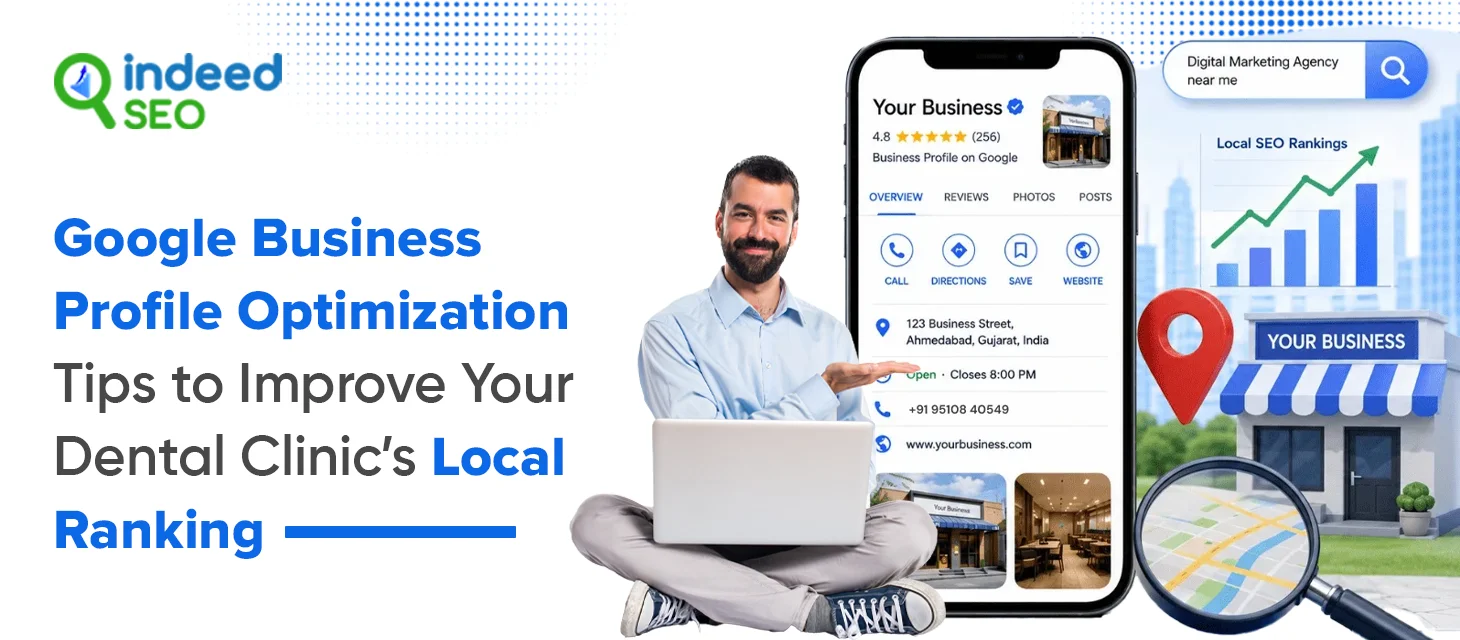
Other than basic profile optimization, a dental clinic must focus on additional optimization to make your business unique in a competitive industry. Here are some tips you can follow to ensure your business ranks in niche results and targeted search terms.
Write a Keyword-Rich Description:
Your Google Business Profile description is one of the easiest places to improve Google Business Profile optimization. A strong dental clinic description can help Google understand your services and location to improve your booking rates.
A useful dental clinic description should include:
- Primary dental services
- The city or local areas you serve
- Clinic specialties and top services
- Years of experience
- Unique patient benefits
Avoid using generic terms and specify your business details.
Detail Your Services:
Many patients search for a specific treatment rather than a general dentist. A detailed Services section helps Google match your profile with search intent, helping you rank in search results. Updating detailed services improves Google Business Profile optimization and increases the chances of appearing for high-intent local searches.
Answer Common Questions:
The FAQ section can directly improve patient engagement and local search visibility. Many people decide to book an appointment based on the information they find about the service. Make sure your GBP is clear and helpful, reducing uncertainty for patients.
Common questions worth answering include:
- Do you accept new patients?
- Do you offer same-day emergency appointments?
- What insurance plans do you accept?
- Is online booking available?
- Do you provide Invisalign treatment?
- Is parking available near the clinic?
For best results, review the Q&A section and update answers regularly. An active profile signals that your clinic is responsive and well managed, improving your trust signals.
Grow Your Dental Clinic’s Digital Presence with IndeedSEO
Conclusion
Want to rank higher in local search with Google Business Profile optimization?
IndeedSEO offers professional Google Business Profile optimization and local SEO services designed to help dental clinics rank higher in Google Maps, attract more local patients, and grow brand with proven SEO plans.