+1 (917) 565-8527

 info@indeedseo.com

Choosing the right branding tools for small business growth depends on the specific tasks you need to accomplish. For example, Canva or Looka for visual design and logos, Notion for brand strategy, Jasper for consistent messaging, and Buffer for staying visible across social media. No single tool offers every functionality, so most small businesses build a focused toolkit instead of relying on a single all-in-one platform.
Studies show that consistent branding can boost revenue by 20-30%, yet most small businesses still don’t have a system in place to keep branding consistent across website, social posts, and marketing content. If you are struggling with the same issue, the branding tools mentioned below will help your small business grow.
Build a Stronger Brand and Attract More Customers with IndeedSEO
1. Canva Pro
Canva Pro is a popular branding tool that makes professional design accessible to all, even non-designers. Its Brand Kit feature centralizes your logo, brand colors, and fonts to ensure consistency. It also has thousands of templates and AI technologies to speed up design.
Key Functionalities:
- Brand Kit for logos, colors, and fonts
- Thousands of ready-made templates
- AI-powered design tools
- Social media content creation
- Presentation and marketing material design
Best For:
Small businesses that want professional designs without hiring a designer.
2. Looka
Looka helps you build a professional brand identity quickly using AI. It creates logo options based on your industry and style, then gives you a full brand kit- business cards, social media templates, and brand guidelines included.
Key Functionalities:
- AI-powered logo creation
- Complete brand kits
- Business card and social media templates
- Brand guidelines
- Website builder options
Best For:
Startups and new businesses that need a logo and brand identity fast.
3. HubSpot CRM
Branding is about how consistent your company seems to consumers, not simply how it looks. That’s why, to maintain seamless engagement in real time as your business expands, HubSpot CRM helps you focus on-
- Customer communications
- Sales
- Marketing
Key Functionalities:
- Customer contact management
- Email tracking
- Sales pipeline management
- Marketing automation
- Customer interaction history
Best For:
Businesses that want stronger customer relationships and more consistent communication.
4. Mailchimp
Mailchimp helps you build your brand through email. You can create professional emails, automate customer journeys, and keep your branding consistent across every newsletter and promotion you send.
Key Functionalities:
- Email marketing campaigns
- Automated email workflows
- Audience segmentation
- Branded email templates
- Campaign performance tracking
Best For:
Businesses use email to build relationships and bring customers back.
5. Hootsuite
Managing several social media accounts at once is tough for a small team. Hootsuite lets you schedule posts, track engagement, and manage multiple platforms from one dashboard- keeping your messaging and branding consistent everywhere.
Key Functionalities:
- Social media scheduling
- Content planning calendar
- Brand mention monitoring
- Social analytics
- Multi-platform management
Best For:
Businesses that are active on several social platforms at once.
6. Frontify
As a business grows, keeping brand assets organized gets harder. Frontify works as a central hub where your team can store logos, guidelines, and approved visuals, so everyone- employees, freelancers, or partners- uses the brand correctly every time.
Key Functionalities:
- Brand guideline management
- Asset storage and sharing
- Team collaboration
- Brand consistency controls
- Cloud-based access
Best For:
Growing businesses working with multiple team members, freelancers, or agencies.
7. Carrd
Carrd is a basic website builder that lets you create a tidy, one-page site without any code. It’s an affordable way to quickly launch an online business and promote your products, services, or portfolio.
Key Functionalities:
- One-page website builder
- Mobile-friendly designs
- Lead capture forms
- Easy customization
- Affordable pricing
Best For:
- Freelancers
- Solo business owners
- Small businesses
Role of Branding Tools for Small Business Growth
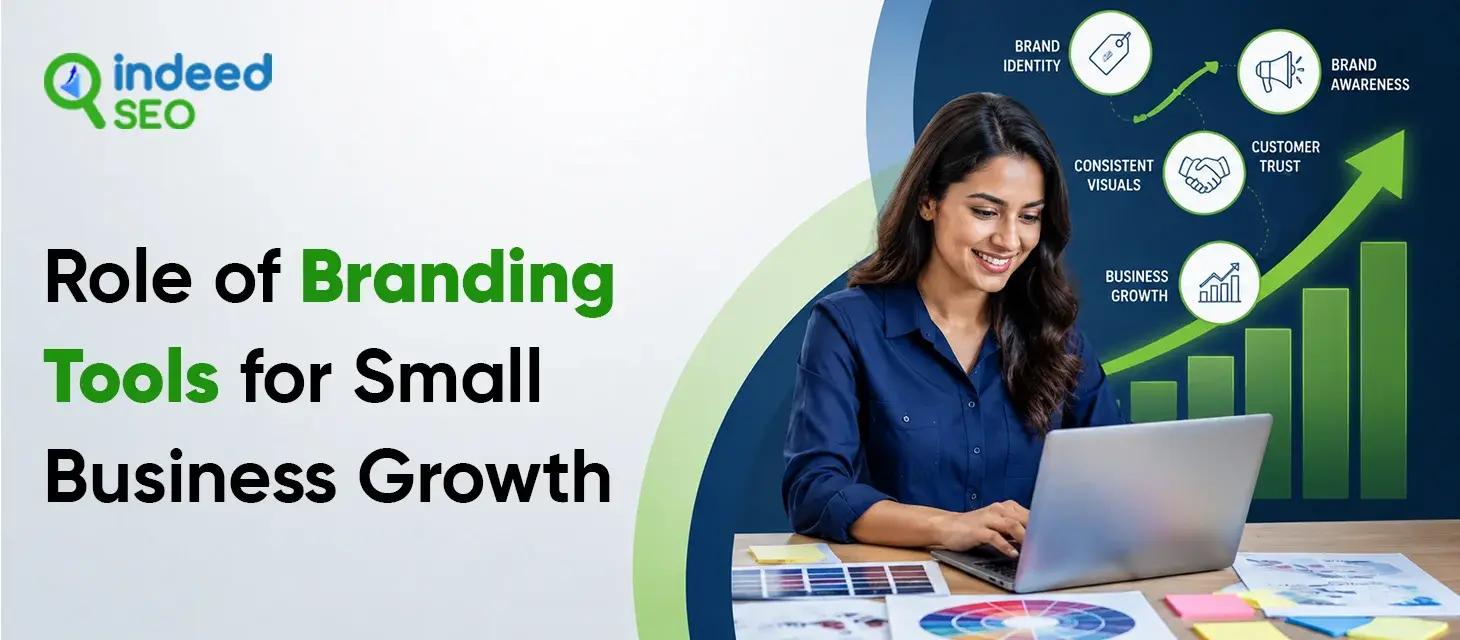
Branding tools matter because of what they actually make possible for a small business — not the tools themselves, but the outcomes they support. Here’s what that impact actually looks like:
Sharpens Your USP
A clear brand identity forces a business to define what makes it different, instead of describing itself the same way every competitor does.
- Clarifies positioning before design work begins
- Turns vague value claims into specific, memorable messaging
- Makes marketing content easier to write once the USP is clear
Helps Small Businesses Compete
Professional-quality branding is no longer limited to businesses with an agency budget- which changes what’s actually possible for a small team.
- Professional-grade design without hiring a designer
- AI-powered tools now match agency-level output
- Small businesses can visually compete with larger, better-funded brands
Saves Time and Effort
Strong branding eliminates the need to spend hours on manual design, writing, and formatting- time that can go straight back into growing the business.
- Templates and AI features speed up routine design work
- Brand kits remove repetitive manual formatting
- Less time on execution means more time on strategy and growth
Keeps Branding Consistent
A unified brand identity means every team member, freelancer, or contractor represents the business the same way, instead of interpreting it differently.
- Central brand kits prevent outdated or incorrect assets from being used
- Reduces back-and-forth corrections between team members and clients
- Makes onboarding new hires or freelancers faster
Builds Customer Trust
A brand that looks and sounds the same everywhere feels more credible and established, even to a business that’s brand new.
- Consistent visuals signal professionalism before a customer reads a word
- Familiar branding across channels reduces confusion and hesitation
- Trust built through consistency often translates into repeat business
Supports Business Growth
A strong, well-managed brand identity gives a business the foundation to produce more content and scale marketing without losing quality.
- Reusable templates speed up content production at scale
- AI features help maintain output without expanding the team
- Reduces the risk of off-brand content slipping through as volume increases
How to Choose the Right Branding Tools for Small Business
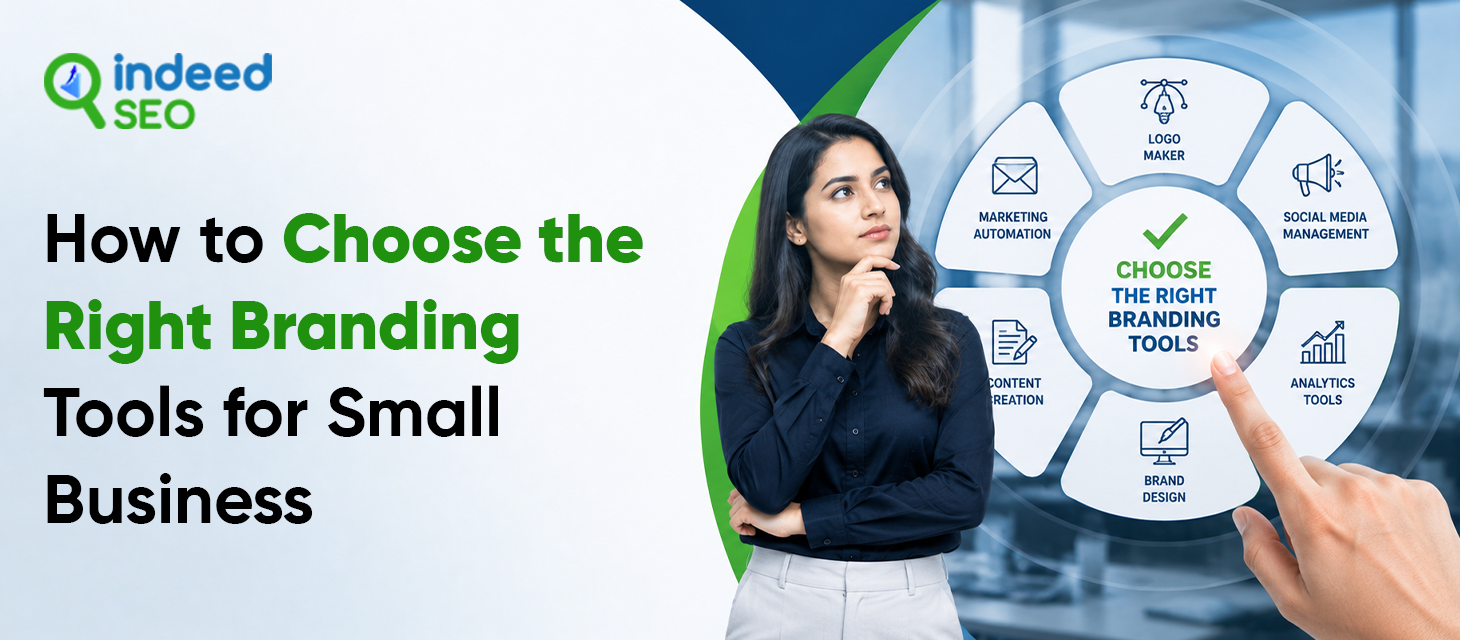
Knowing why branding tools matter is only half the equation — the real challenge is deciding which ones are actually right for your business. Here’s how to make that decision well:
Define Your Brand Strategy
Before choosing any visual tool, get clear on your positioning, audience, and USP — design without strategy behind it usually creates more confusion than clarity.
- Define your positioning, audience, and USP first, even informally
- Use a simple tool like Notion or even a shared doc to write it down before touching design software
- Skip straight to design, and you risk building a beautiful logo on top of a message that isn’t clear yet
Match Tools to Your Business Stage
A solo founder and a 10-person team need very different tools — picking ones built for a stage you haven’t reached yet often means paying for complexity you don’t need.
- Solo founders: start with one flexible, all-in-one tool like Canva to cover most needs at once
- Growing teams: add a dedicated asset management tool like Frontify once more people are touching the brand
- Scaling businesses: layer in CRM and email tools once customer volume grows past what founder-led communication can handle
Choose Tools That Fit Your Budget
Choose tools based on what you actually need right now, not capability you’re only assuming you’ll grow into.
- Start with free tiers and only upgrade once you’re actually hitting their limits.
- Avoid enterprise-level plans “just in case” — they’re built for problems you don’t have.
- Revisit your toolkit every few months, since the right tools at month one may not be the right tools at month twelve.
Focus on Brand Consistency
When deciding between tools, fewer that work well together will always serve you better than more that don’t.
- Choose tools that integrate with each other where possible, rather than operating in isolation.
- Make sure whichever tools you choose support a central brand kit or shared guideline document.
- Avoid switching tools often — every switch means old assets and habits fragment across different systems.
Pick Easy-to-Use Tools
When comparing options, weigh usability as heavily as features — a powerful tool nobody adopts isn’t actually the right choice.
- Prioritize ease of use over an impressive list of features
- Test a tool with your actual team before committing to it long-term
- A simple tool used consistently will always outperform an advanced tool used inconsistently
Choose Scalable Branding Tools
Factor future scalability into the decision now, not after you’ve outgrown a tool and have to migrate everything.
- Look for tools with higher-tier plans you could reasonably grow into
- Avoid tools that lock you into a rigid structure you’d have to rebuild from scratch later
- Consider platforms with a track record of adding features over time, not ones that feel already maxed out
Review Branding Tools Carefully
Base your decision on how a tool performs in practice, not how its own marketing describes it.
- Check reviews on independent platforms like G2 or Trustpilot, not just testimonials on the tool’s site.
- Look specifically for complaints about ease of use or customer support, since these affect daily use the most.
- Pay attention to reviews from businesses similar in size to yours, since needs differ a lot by company stage.
Test Branding Tools First
Before finalizing any tool, confirm it actually fits your workflow — most offer a free trial specifically so you don’t have to guess.
- Run a real task through the tool, not just a quick tour of the interface
- Involve whoever will actually use the tool daily in the trial, not just the decision-maker
- Give it enough time to judge properly — a few days isn’t enough to spot friction that shows up over weeks of real use
Cost of Business Branding Tools for Small Business Growth
Branding tools span a huge price range — from completely free to several thousand dollars a month — and understanding where each tool actually falls helps you budget realistically instead of guessing. Here’s a detailed breakdown by tool, plus what actually drives the cost up as you scale.
Cost Breakdown of Key Business Branding Tools
| Tool | Free Tier Available | Starting Paid Price | Scales To |
|---|---|---|---|
| Canva Pro | Yes | ~$15/month (Pro) | Business and Enterprise tiers, higher per-seat cost with add-ons |
| Looka | No (pay per logo) | ~$20 for a logo, ~$96 for a full brand kit | One-time cost model, not typically subscription-based |
| HubSpot CRM | Yes (free CRM tools) | ~$15/seat/month (Starter) | $800–$890/month (Professional), $3,600/month (Enterprise) |
| Mailchimp | Yes | Paid plans start around $13–$20/month | Cost rises with subscriber list size |
| Hootsuite | Limited/no | Around $99/month (entry paid tier) | Higher tiers add analytics, listening, and team seats |
| Frontify | No | Custom/enterprise pricing (quote-based) | Scales with team size and asset volume |
| Carrd | Yes | ~$19/year (Pro tier) | One of the most affordable tools on this list |
Note: Pricing changes frequently across all these platforms. Figures below reflect approximate 2026 pricing and should be confirmed on each provider’s site before budgeting.
What Actually Drives Cost Up as You Scale
-
More contacts and subscribers
Tools like Mailchimp and HubSpot often charge based on the number of contacts you manage, so costs increase as your customer database grows.
-
More team members
Many tools charge per user, which means adding employees or collaborators can increase your monthly subscription cost.
-
Extra integrations and add-ons
Connecting tools or using advanced features may require additional plans or fees beyond the standard subscription.
-
Training and support services
Some higher-tier plans include onboarding, training, or dedicated support, which can add to the overall cost.
-
Upgrading to higher plans
The pricing gap between a mid-tier and enterprise plan can drastically influence a budget, so it’s worth confirming exactly which features you actually need before upgrading.
A Realistic Starter Budget Strategy
For most small businesses just starting out, you don’t need a big budget to build a solid branding toolkit. A simple, low-cost setup is usually enough to begin.
- Start with the basics: Canva Pro, a free CRM, and a free or cheap social media scheduler.
- Typical monthly cost: around $30–$60 total for this starter stack
- One-time costs are fine too: tools like Looka or Carrd charge once instead of every month.
- Costs go up over time, usually as you add more team members, grow your contact list, or need advanced features.
- Pick tools based on what you need right now — not what you might need later, so you’re not paying extra for features you’re not using.
Build a Stronger Brand and Attract More Customers with IndeedSEO
Conclusion
Want to build a stronger and more recognizable brand for your business? Partner with IndeedSEO! We help businesses strengthen online presence through strategic branding, digital marketing, and reputation-building solutions designed to support sustainable growth.